How to Hack an ADSL Router

Almost left half of the Internet users across the globe use ADSL routers/modems to connect to the Internet. However, most of them are unaware of the fact that it has a serious vulnerability in it which can easily be exploited by anyone with a basic knowledge of computer. In this post, I will show you how to hack an Ethernet … Read more

install Bluefish on centos

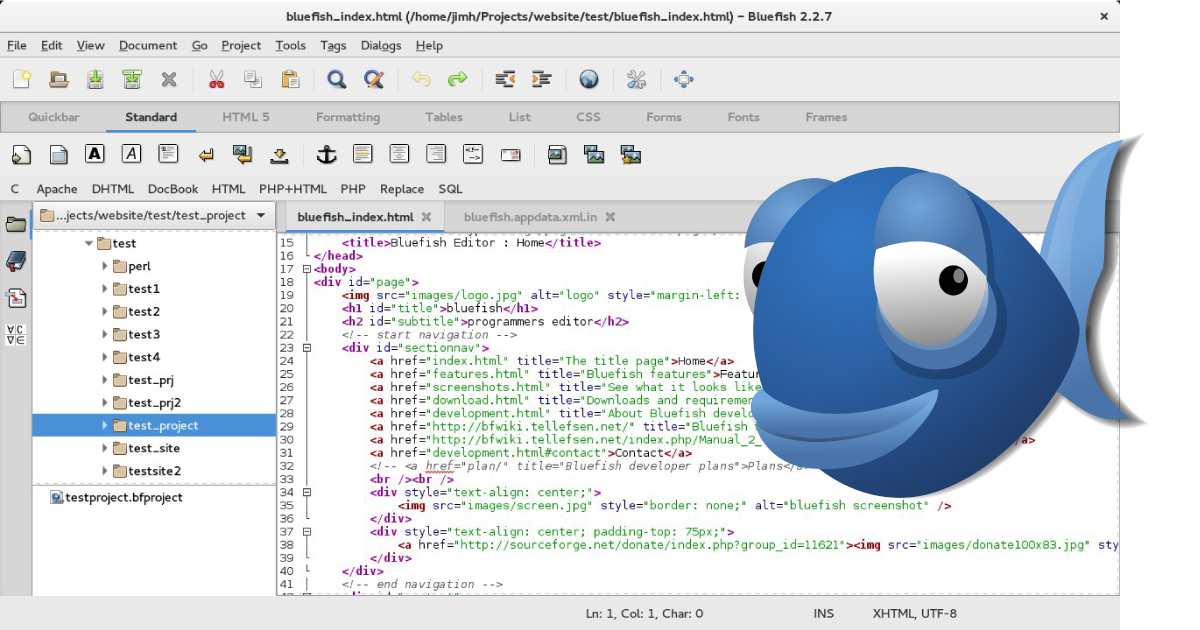
Bluefish is a free and open source software that text editor with a variety of tools for programming and development of dynamic websites. It supports HTML, XHTML, CSS, XML, PHP, C, C++, JavaScript, Java, Ada, D, SQL, etc. It can be also used via integration with GNOME or as a standalone application. This tutorial covers … Read more

Install LibreOffice on CentOS

1. Download LibreOffice Linux Package LibreOffice  64-bit version wget http://download.documentfoundation.org/libreoffice/stable/6.1.3/rpm/x86_64/LibreOffice_6.1.3_Linux_x86-64_rpm.tar.gz LibreOffice  32-bit version wget http://download.documentfoundation.org/libreoffice/stable/6.1.3/rpm/x86/LibreOffice_6.1.3_Linux_x86_rpm.tar.gz 2. Change to root User su – ## OR ## sudo -i 3. Extract LibreOffice Package and Access Directory LibreOffice tar -xvf LibreOffice_* cd LibreOffice_* LibreOffice tar -xvf LibreOffice_* cd LibreOffice_*   4. Install / Update LibreOffice RPM packages Install … Read more

History of Supercomputers

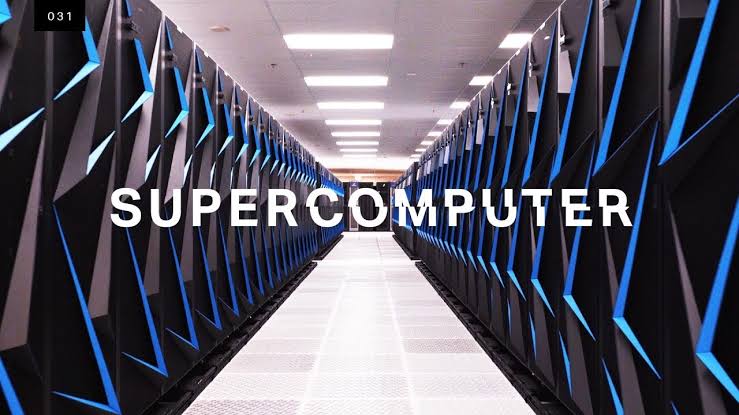
Many of us are familiar with computers. You’re likely using one now to read this blog post as devices such as laptops, smartphones and tablets are essentially the same underlying computing technology. Supercomputers, on the other hand, are somewhat esoteric as they’re often thought of as hulking, costly, energy-sucking machines developed, by and large, for … Read more

Installing Google Chrome on CentOS

Follow the steps listed below to install Google Chrome on your CentOS system: Start by opening your terminal and downloading the latest Google Chrome .rpm package with the following wget command: wget https://dl.google.com/linux/direct/google-chrome-stable_current_x86_64.rpm Once the file is downloaded, install Google Chrome on your CentOS 7 system by typing: sudo yum localinstall google-chrome-stable_current_x86_64.rpm The command above … Read more

shell embedding and options

shell embedding Shells can be embedded on the command line, or in other words, the command line scan can spawn new processes containing a fork of the current shell. You can use variables to prove that new shells are created. In the screenshot below, the variable $var1 only exists in the (temporary) sub shell. You … Read more

shell variables

In this post we learn to manage environment variables in the shell. These variables are often needed by applications. $ dollar sign Another important character interpreted by the shell is the dollar sign $. The shell will look for an environment variable named like the string following the dollar sign and replace it with the … Read more

control operators

In this post we put more than one command on the command line using control operators. We also briefly discuss related parameters ($?) and similar special characters(&). ; semicolon You can put two or more commands on the same line separated by a semicolon ; . The shell will scan the line until it reaches … Read more

commands and arguments(shell expansion)

arguments One of the primary features of a shell is to perform a command line scan. When you enter a command at the shell’s command prompt and press the enter key, then the shell will start scanning that line, cutting it up in arguments. While scanning the line, the shell may make many changes to … Read more